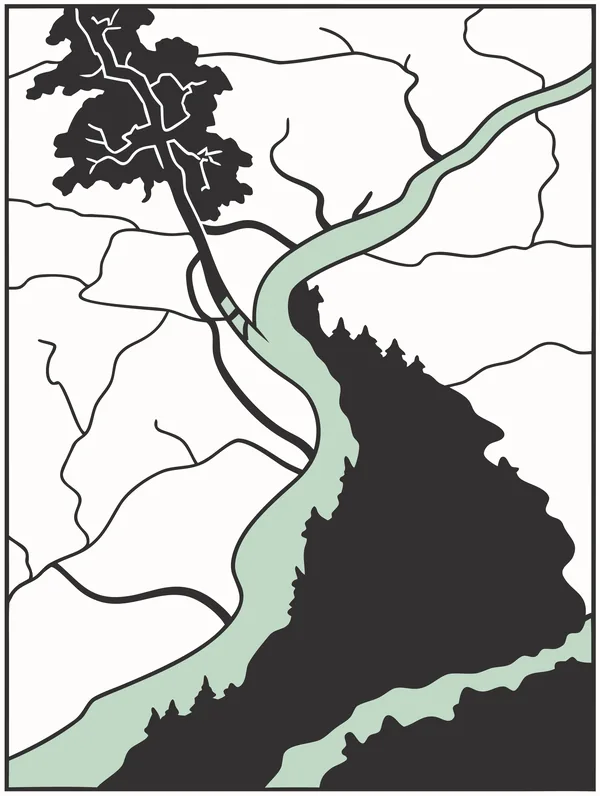
Alpine Topography
Forty original US patent drawings with a single color added for color e-ink, in color and black & white, plus ten screensaver sets. Tested on a Boox Note Air 5C.
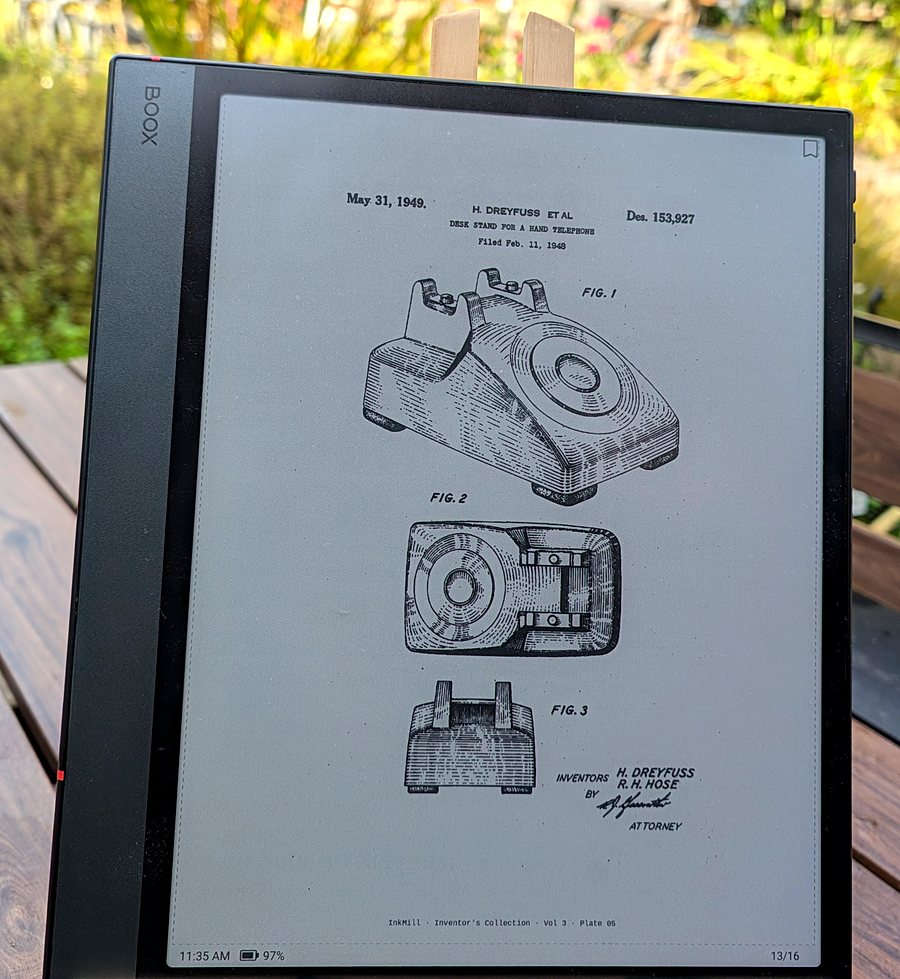
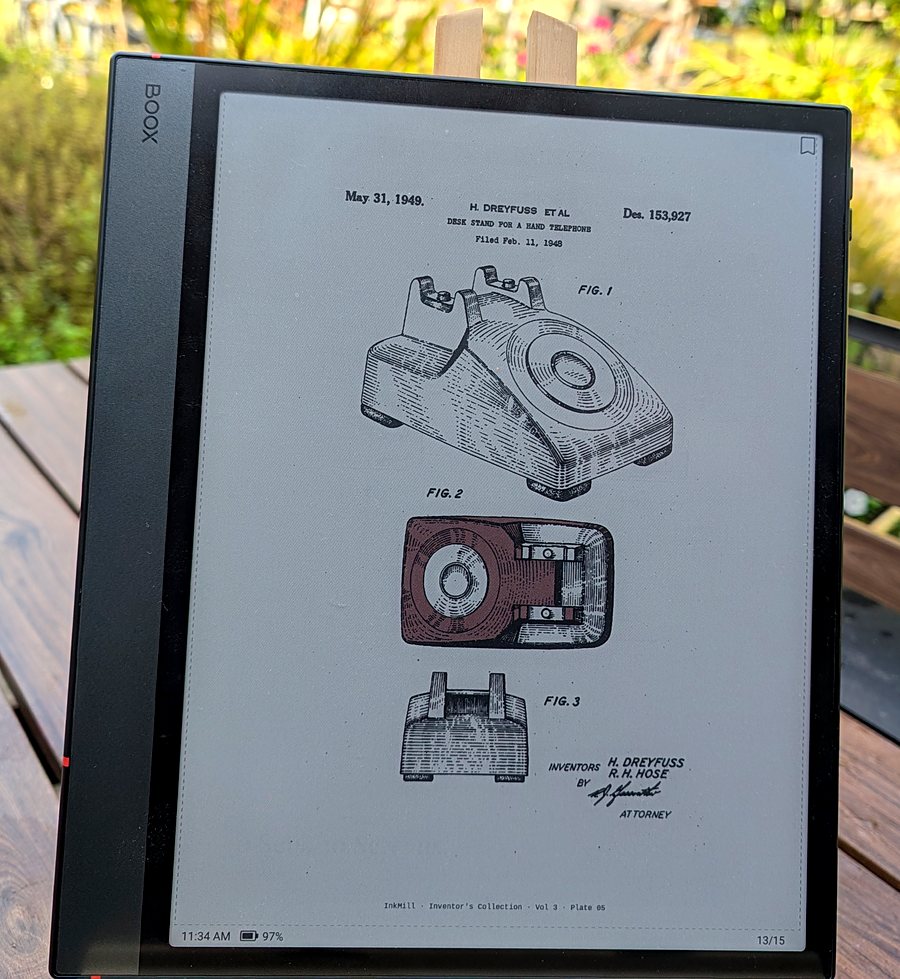
Archival Line Art for Color E-Ink
Ten original US patent drawings per volume, each with one color added for color e-ink. Free to download. Black-and-white versions included.
The Collections
Alpine Topography
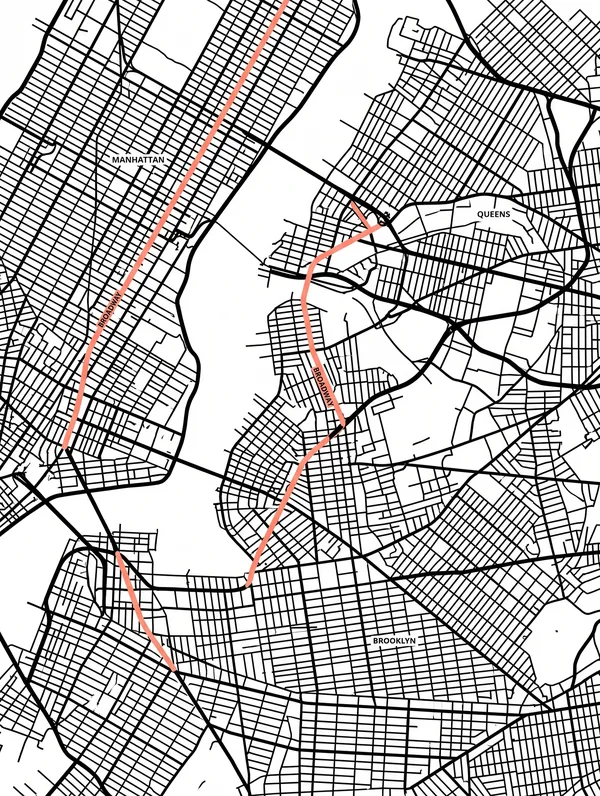
The Grid — NYC
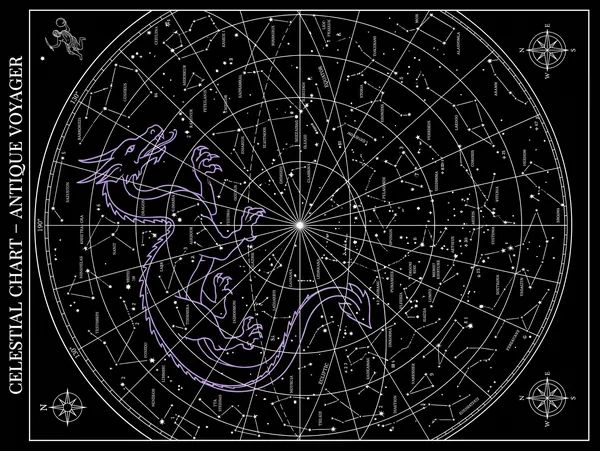
Lunar Phases

The Minimalist Tarot
The Bonsai
The Wave
The Botanical
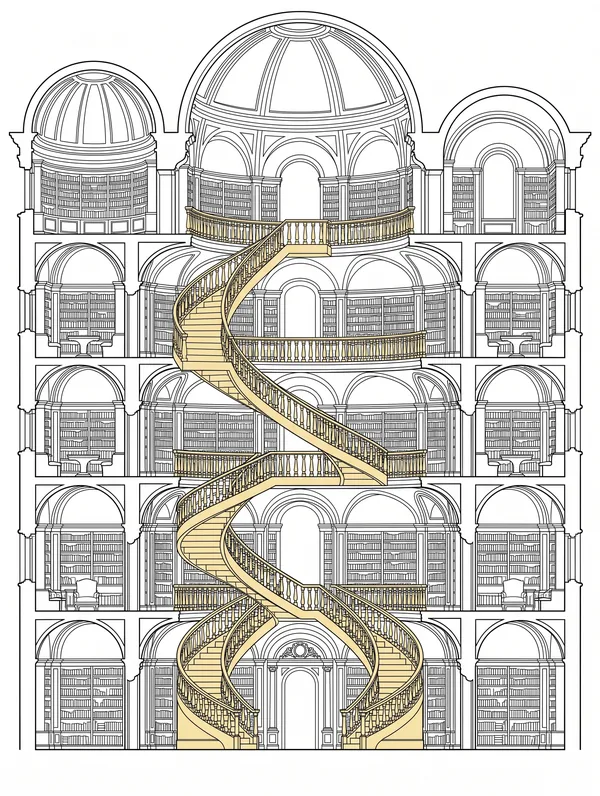
The Library
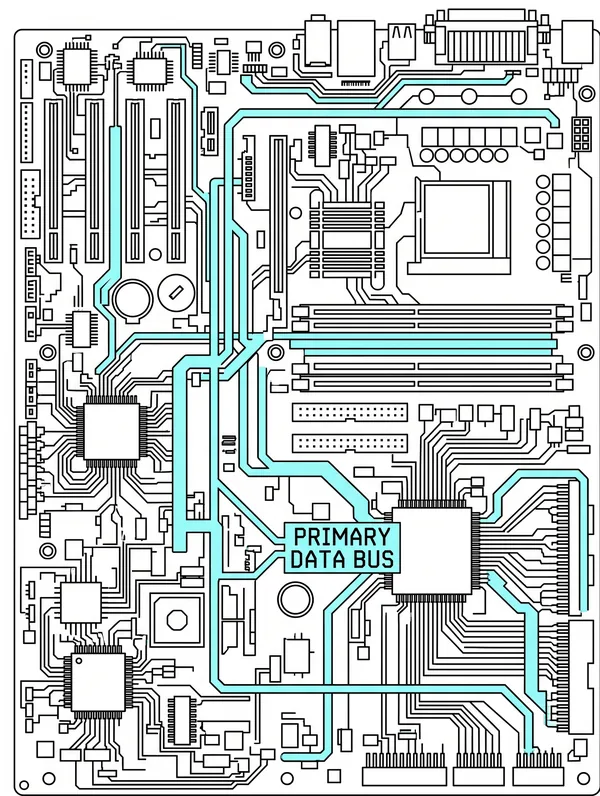
Silicon
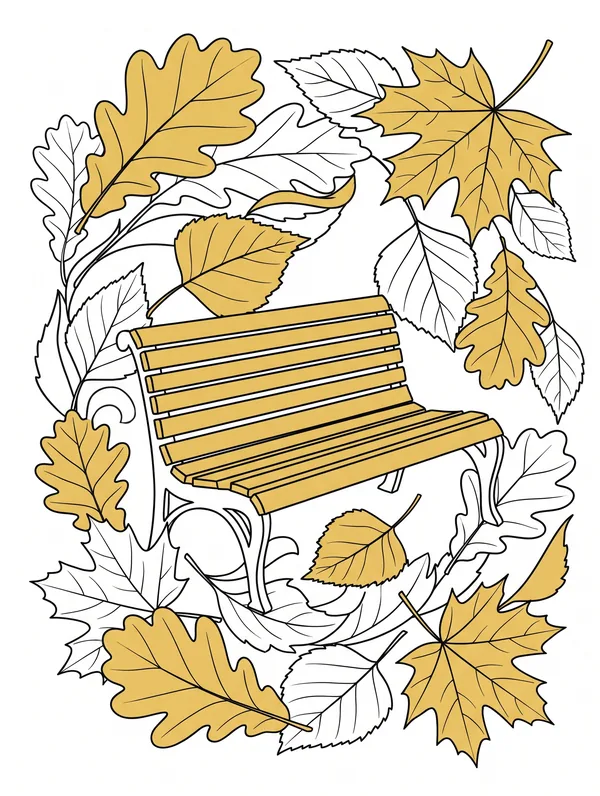
Autumn
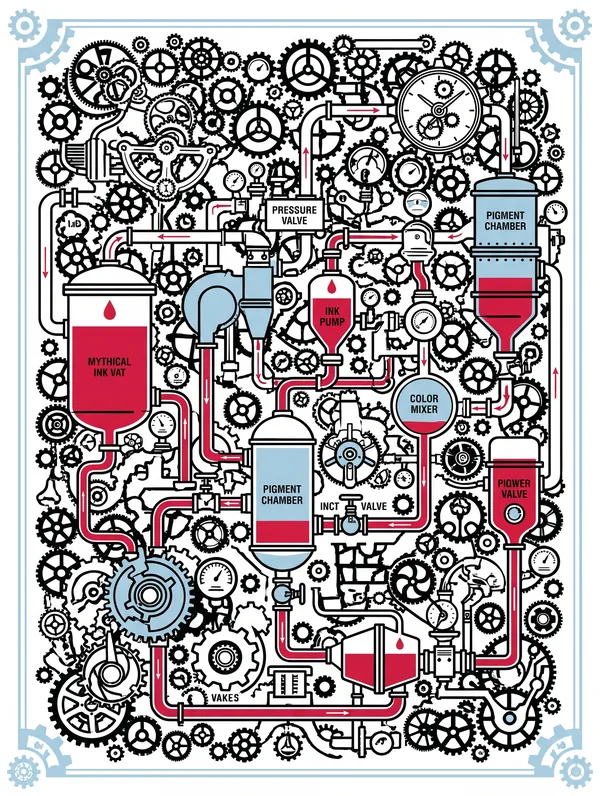
The Ink Mill — Collection 11
The ten sets are free. The Founder's Edition is one more set, The Ink Mill, in a dark and a light version, limited to 500 copies. Buying it is a way to support InkMill.
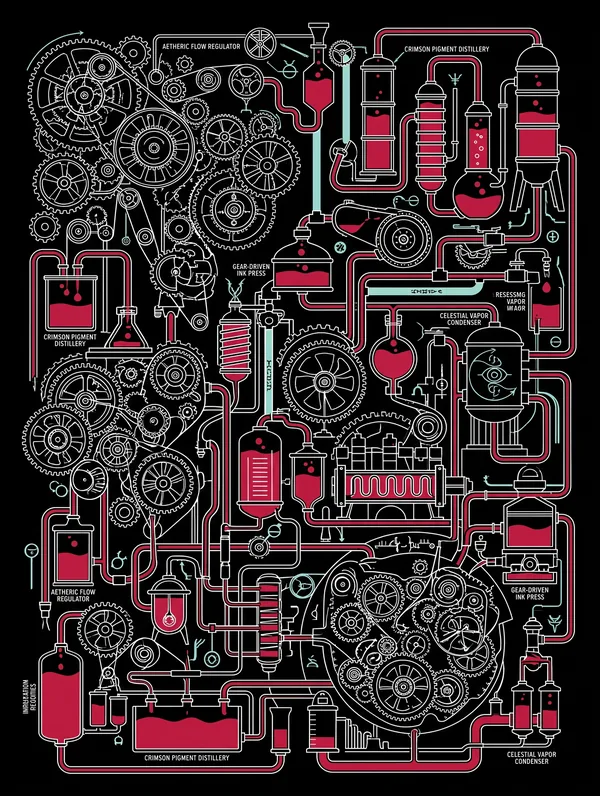 Dark Mode
The Ink Mill — Dark
Pure black · High contrast
 Light Mode
The Ink Mill — Light
Paper white · Soft contrast
Strictly limited to 500 copies · Personal use · Delivered via Gumroad
The screensaver sets: I choose the themes and set the design rules: pure black and white, one color, sized for the screen. An AI image model draws the artwork to those rules, and I review the results and keep only the ones that work on e-ink. The patent drawings: AI tools help me search for good candidate drawings and find the part to color. Every plate is then checked against the original patent sheet: the right drawing, the right facts, and the color in the right place. The collection went through five rounds of review before release. Each plate links to its original patent.
They're standard PNG files, so most e-ink devices can show them. They've only been tested on a Boox Note Air 5C, so I can't say how they look on other devices.
The ten sets and the patent drawings are free. The Founder's Edition (limited to 500) is there if you'd like to support InkMill.
Open this page on your Boox
In the Boox browser, navigate to theappcottage.com/inkmill. Tap any collection card to preview it full-screen on your e-ink display.
Tap “Save Image”
In the preview lightbox, choose Power Off, Lock Screen, or Screensaver — then tap Save Image. The PNG downloads to your Downloads folder.
In Downloads: long-press → “Set as”
Open your Boox Storage → Downloads folder. Find the image (named InkMill_SetXX...), long-press it, and tap Set as to choose Screensaver or Power Off screen.
Done
Your Boox now shows the image whenever it sleeps or powers off.
✓ Full-size PNG